Options are many and each can be easily adapted to suit your needs and answer to your requirements, be it size, colour...
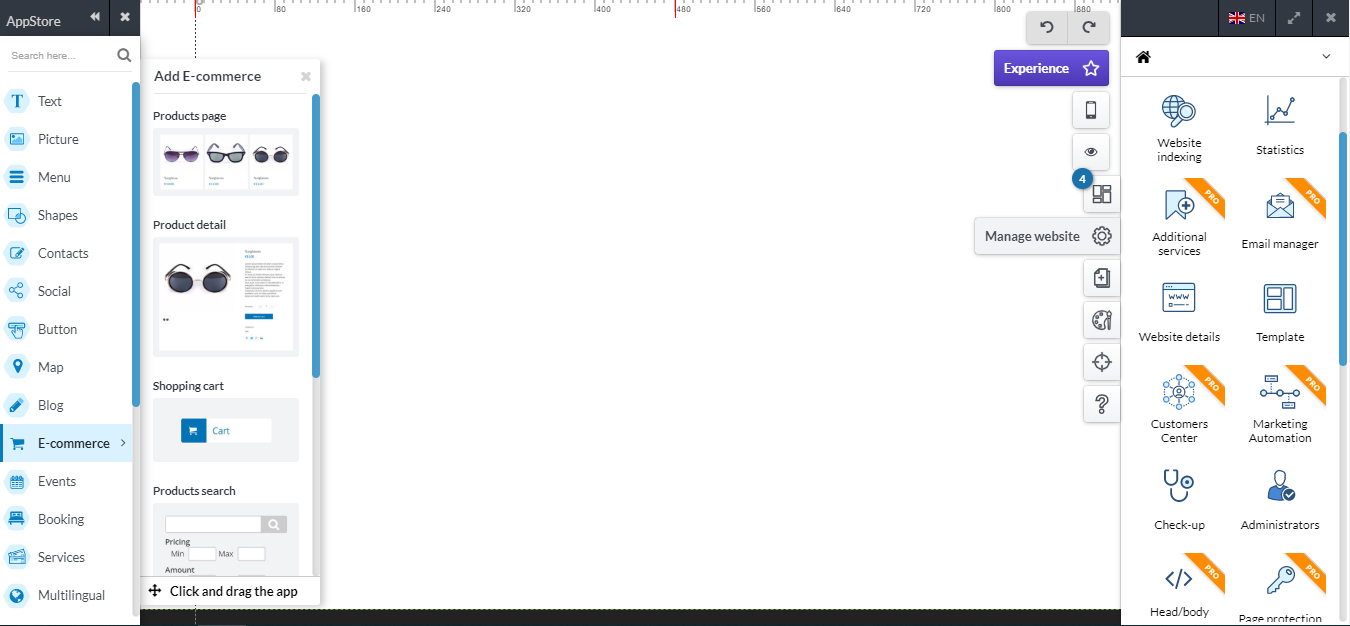
On the right side, you get the management panel, from where you manage the website, select or change template, put website details and indexing for SEO, add/remove pages and more.
With the Drag & Drop technology, you can start building your website in no time!
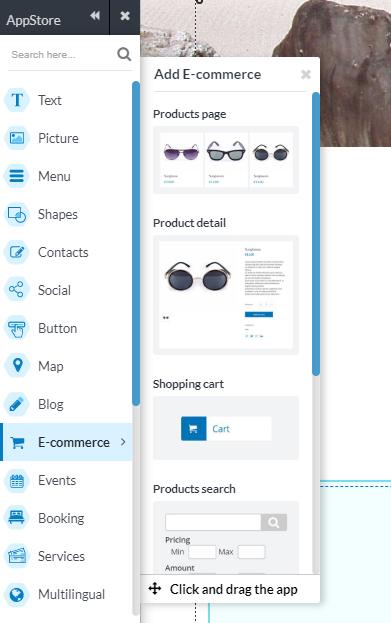
The Appstore in the online editor tool lets you add any element, like a new text, a photogallery, a map or a contact form.
Where: the Appstore is at your disposal at the upper left corner of the online editor. Click on the icon to open the Appstore and start looking for the apps that make up your website.
What: select one of the many applications to add and customize as you wish. The basic components correspond to the fundamental elements of a site, such as the navigation menu, the text or the photogallery. Applications are categorized to make it easier for you to find what's right for you. The number and variety of Apps present will allow you to create a site rich in content and functionality.
For example, you can create an e-commerce by adding the product screen component that allows you to access the e-commerce management, upload your products and immediately start selling.